Convert MP3 to MP4 online with waveform, cover art, or a simple music video look
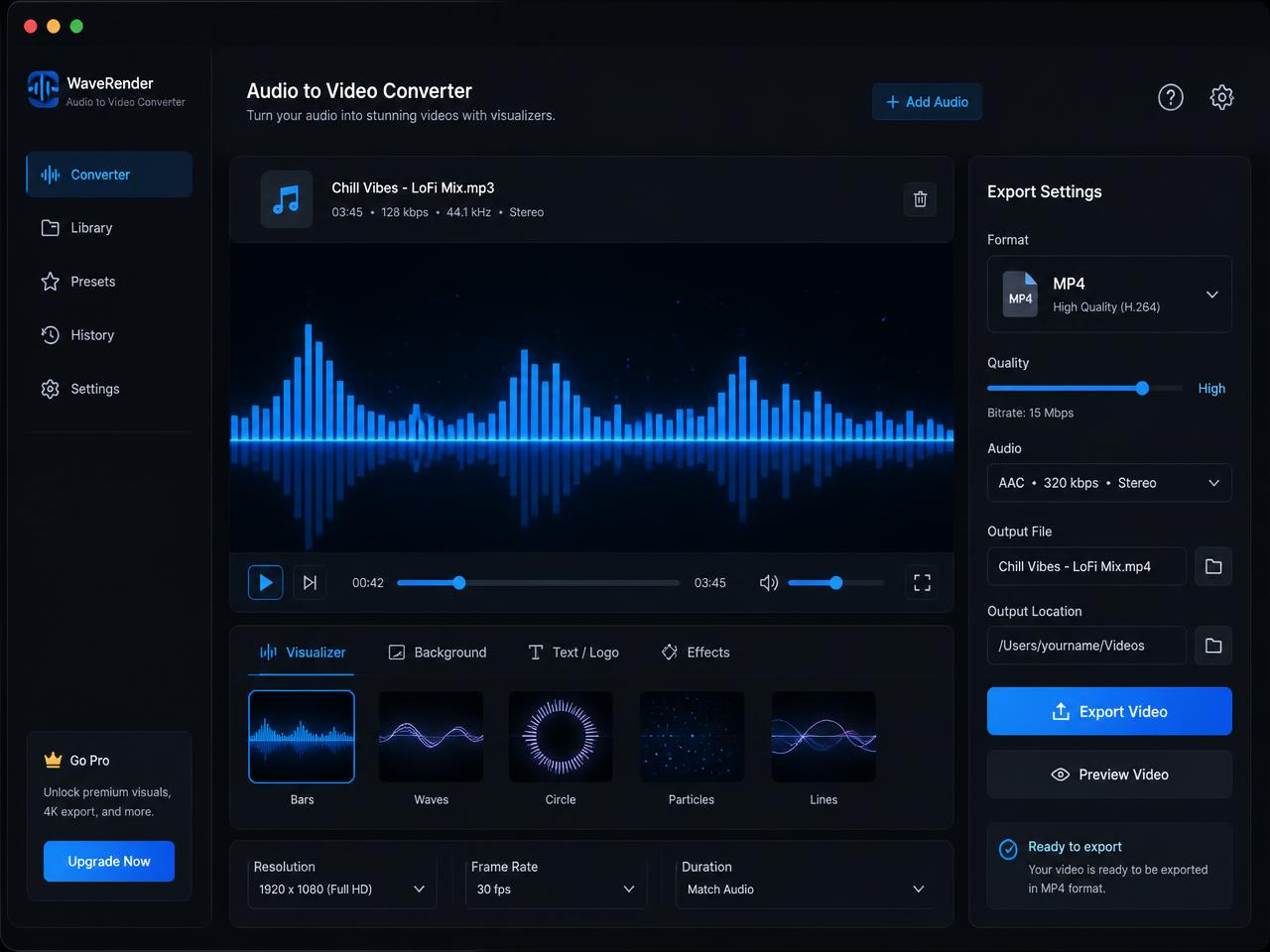
If you need to convert MP3 to MP4 online for free, the goal is usually simple: make an audio file uploadable on video-first platforms without opening a timeline editor. That is why this tool focuses on the visuals people actually need most: a responsive waveform, a clean static image, or a spectrum-style visualiser that adds motion without making the export feel busy.
A strong audio to video converter should preserve the original sound, create a clear visual frame, and get out of your way fast. Musicians use it to publish singles on YouTube, podcasters use it for episode promos, and marketers use it to turn narration or voiceovers into shareable posts. Instead of pushing you through uploads and queues, the browser handles the processing directly on your device.
- Choose waveform, spectrum ring, or static cover art visuals
- Keep the sound clear while turning audio into a social-ready MP4
- Avoid uploads, watermarks, and permanent server-side storage

How to convert MP3 to MP4 for YouTube, TikTok, or Instagram
Step one is choosing the audio you want to publish. Drag in an MP3, WAV, M4A, AAC, OGG, or FLAC file and the converter reads it locally in your browser. This is useful for everything from short social snippets to long-form podcast episodes because there is no upload delay before processing starts.
Step two is choosing the visual style. A waveform is the safest pick when you want the page to signal motion and audio activity. A static poster or cover image works well for full songs, audiobooks, sermons, and podcast uploads. A spectrum visualiser adds a more stylised look for music clips. Then choose the resolution that fits your publishing goal, such as 1080p for YouTube or a lighter export for quick sharing.
Step three is exporting and downloading the finished video. When rendering ends, you get an MP4 file that is easy to upload across major platforms. This is the fastest route when you need an MP3 to video converter with no watermark instead of a full editing suite.
When a free audio to video converter solves a real problem
Most of the platforms creators depend on are video platforms. YouTube, Instagram Reels, TikTok, X and Facebook all reject a bare audio file, and yet audio is exactly what podcasters, producers, voice actors, lecturers and church media teams produce every week. An audio to video converter is the bridge between the file you already have and the format those platforms accept.
Convert MP3 to MP4 for YouTube music uploads
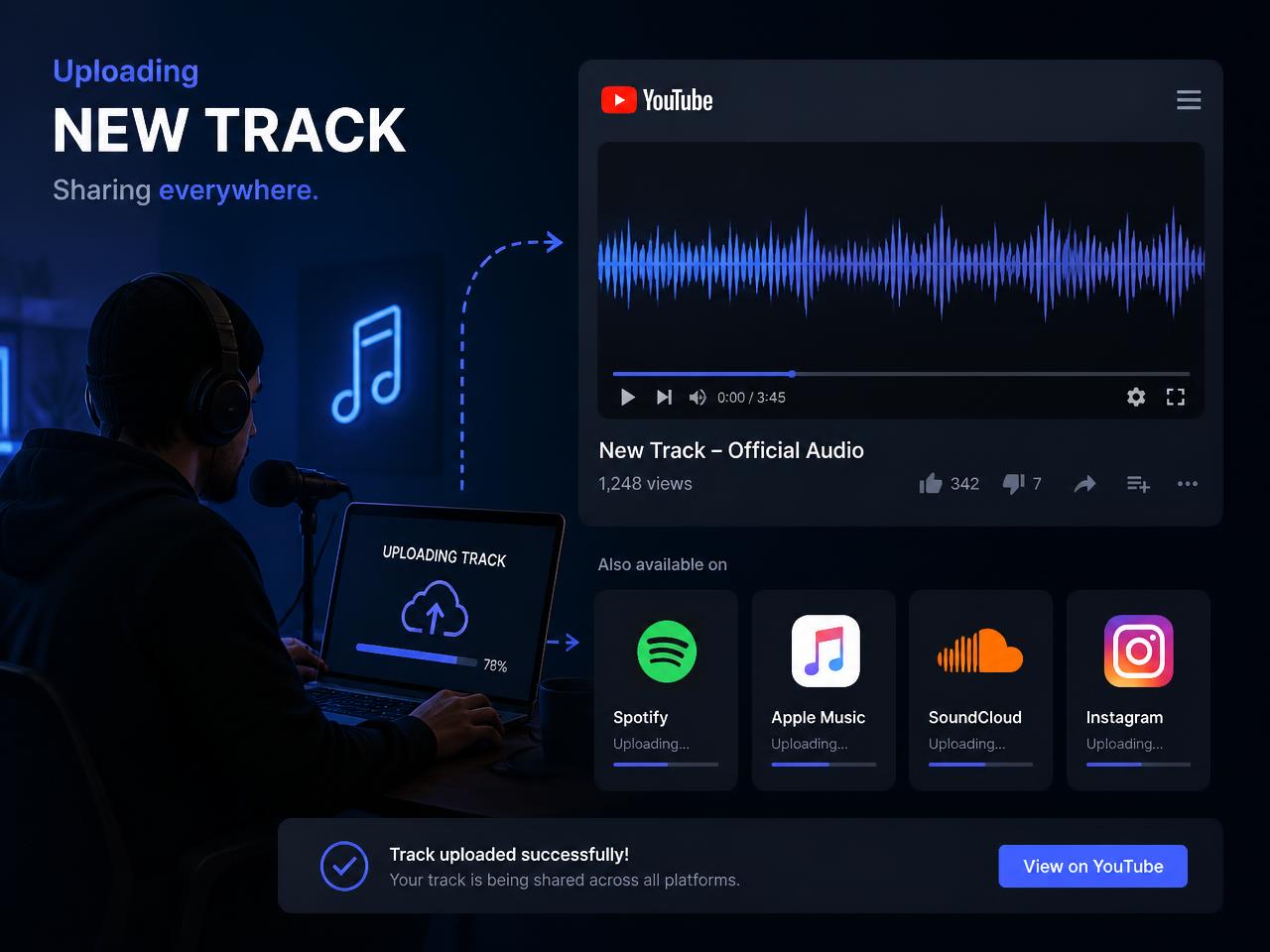
Independent artists routinely need a video version of a mix so it can live on YouTube alongside streaming links. Converting MP3 to MP4 online with a waveform or cover image keeps the upload simple, affordable, and visually clear for listeners.
Turn podcast audio into video for social clips
A sixty-second highlight from an episode performs far better as a moving waveform than as a plain audio file. Convert the clip once, add it to your publishing calendar, and reuse the same MP4 on multiple networks.
Share lectures, interviews, and internal audio as MP4
Lecture recordings, interviews, oral histories and meeting audio are far easier to distribute inside learning platforms and intranets as MP4. Video players are universal, they scrub reliably, and captions attach cleanly to the file.
What makes this private MP3 to MP4 converter worth using
When people compare the best free online MP3 to MP4 converters, the same questions show up again and again: Will the export look clean? Will the site add a watermark? Do my files stay private? This tool is built around those exact concerns. It decodes audio directly in the browser, creates the selected visual mode frame by frame, and exports a shareable MP4 without asking you to hand over the source file to a remote queue.
Privacy matters especially when you are working with unreleased songs, client interviews, classroom recordings, or internal voice notes. Because the processing happens locally in the tab, there is no upload bucket to trust and no long retention window to worry about. Closing the page ends the session. That makes the site a strong fit for users searching for an audio to video converter with private browser processing.
Practical notes are simple. Conversion runs in real time, so longer audio takes longer to render. Desktop browsers are best for full-length exports, while mobile is better suited to shorter clips. If a file refuses to decode, re-exporting it as a standard 44.1 kHz MP3 or WAV usually fixes the issue. That keeps the experience friendly even for people who have never used an online converter before.
Publishing still matters after conversion. Rename the download before you upload it, use a clear title that matches your topic or track name, and keep the thumbnail or cover art consistent with the platform description. Those small details help the finished MP4 perform better once it leaves the converter.