Convert podcast audio to video online with cover art or a moving waveform
If you are searching for a podcast to video converter online, the job is usually straightforward: take an audio episode and make it acceptable to platforms that prefer or require video. This page keeps the workflow focused on that exact need. Choose the episode file, pick a visual treatment, and export a shareable MP4 without opening a full editing suite.
A practical podcast audio to video tool should help with the two publishing situations podcasters deal with most often: a full-length upload for YouTube and short promotional clips for social channels. A waveform helps interviews and spoken content feel active, while a static cover image keeps branded full-episode uploads clean and easy to read.
- Turn podcast MP3, WAV, M4A, AAC, OGG, and FLAC files into MP4
- Use waveform videos for clips or cover art videos for full episodes
- Keep interview audio private with browser-side processing

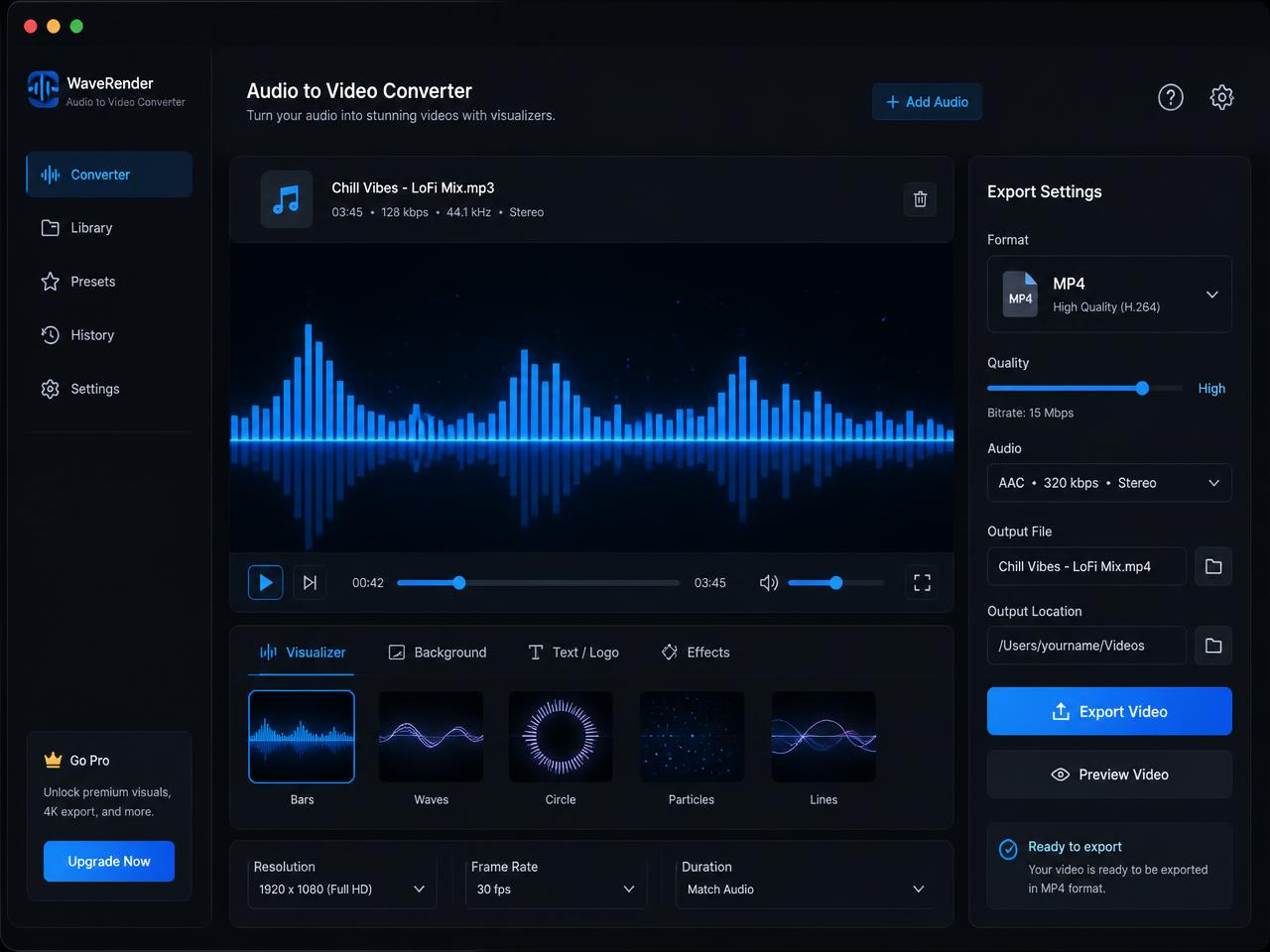
How to turn a podcast into a video for YouTube, clips, and weekly publishing
First, choose the podcast audio you want to publish. That might be a complete show episode, a guest highlight, a sponsor read, or a short teaser for your next release. The page reads the file locally in the browser, so you can start processing without waiting for a full upload cycle.
Next, choose the visual style that fits the episode. A waveform video is a strong option for clips because listeners can immediately see that the content is active. A cover-art video works well for full episodes, evergreen interviews, and audio-only YouTube uploads where consistency matters more than motion. If you want a slightly more stylized look, the spectrum mode gives you a cleaner visualizer effect.
Finally, export the MP4 and upload it to your publishing stack. This is the fast path for anyone searching for a podcast to video converter for YouTube with no watermark or a simpler route to social-ready episode promos.
Best podcast to video use cases for creators, producers, and media teams
Podcast teams rarely need a complicated editor for every export. More often, they need a dependable turn podcast into video workflow that creates a clean MP4 quickly enough to fit a weekly publishing rhythm.
Convert full podcast episodes to video for YouTube
Full-episode uploads help podcasts reach video-first audiences without rebuilding the entire episode in a desktop editor. A static poster or branded cover image is often enough for a reliable YouTube version of the show.
Turn interview highlights into podcast video clips
Short excerpts become easier to distribute when they have visible motion. A waveform video gives you a reusable asset for promotional clips, newsletter embeds, and social scheduling tools.
Make private podcast previews and client review copies as MP4
Agencies, studios, and branded podcast teams often need review links or internal previews in a universal format. MP4 is easier to scrub, share, and review than a raw audio file across browsers and team tools.
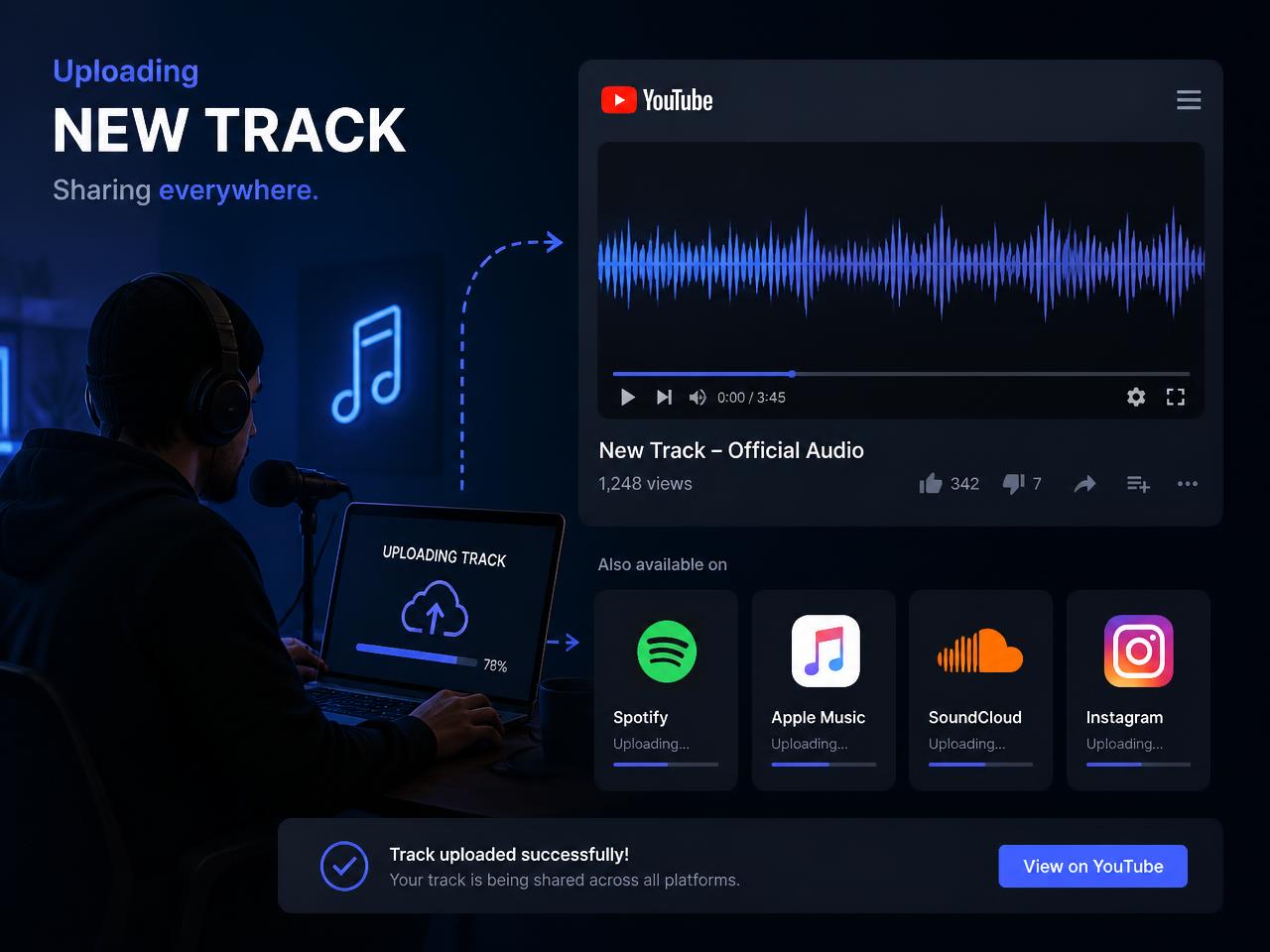
What makes this browser podcast to video converter useful in a real release workflow
The best part of a dedicated podcast page is focus. Instead of pretending to be a full editor, this tool handles the core job cleanly: get a podcast episode from audio into a presentable MP4 with no signup and no watermark. That maps well to how many shows publish week after week.
Browser-side processing also matters for interviews, client work, unreleased episodes, and internal review cuts. The tab works with the local file directly, so there is less friction and less concern about pushing source material into a third-party upload queue.
Practical expectations are simple. Longer episodes take longer because rendering happens in real time. Desktop browsers work best for full-length exports, while mobile is more comfortable for shorter clips. If a podcast file refuses to decode, re-exporting it to a standard 44.1 kHz MP3 or WAV usually fixes the issue.
Once the MP4 is ready, rename it with the show title, episode number, and clip topic you plan to publish. Consistent filenames and cover art help the finished file stay organized across YouTube uploads, shared drives, and internal approval folders.