Convert a voice memo to video online with a waveform, cover image, or simple visual wrapper
People usually search for a voice memo to video converter because audio-only notes are awkward to share on video-first platforms. A quick MP4 wrapper makes voice memos easier to post, review, and pass around without opening a full video editor. This page keeps the workflow focused on that exact use case.
A useful voice memo to video online tool should work well for spoken material and not overcomplicate the visual layer. That is why this page gives you a clean waveform option, a simple cover-image mode, and a spectrum visualizer when you want a little more motion.
- Turn iPhone voice memos and spoken notes into a shareable MP4
- Use waveform or a cover image for lessons, explainers, and review copies
- Keep private recordings local with browser-side processing

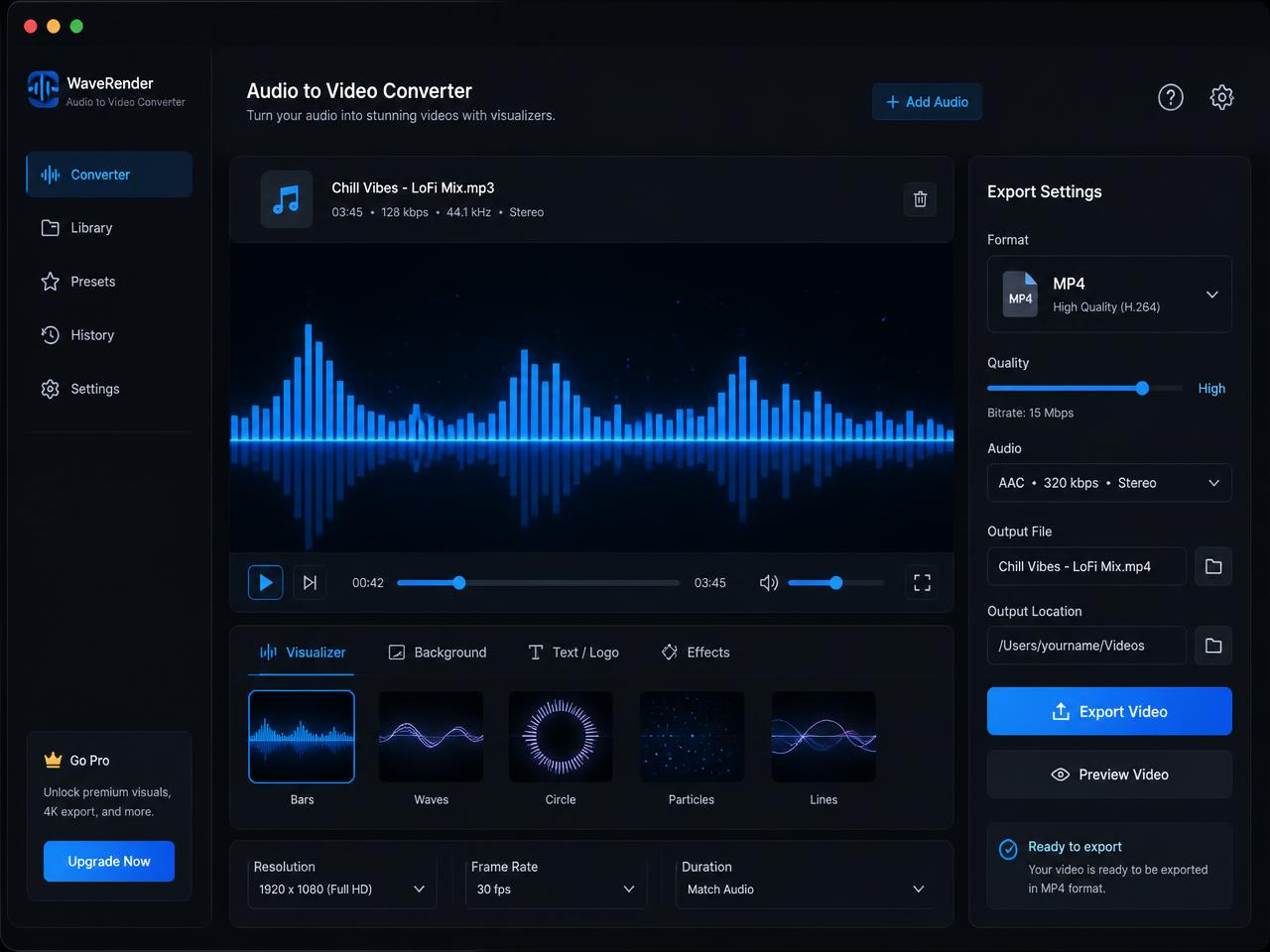
How to turn a voice note or M4A voice memo into video for review and publishing
Start by choosing the voice memo or spoken-audio file you want to wrap in video. That might be an iPhone voice note, a lesson recording, an interview excerpt, a spoken draft, or an explainer clip. The page reads the audio locally in the browser so the process can begin without a remote queue.
Next, choose the visual wrapper that fits the content. A waveform is often the clearest choice for spoken audio because it signals activity without distracting from the message. A cover image works well when you want a simple branded frame. Spectrum mode adds motion when you want a more stylized post.
When the render finishes, download the MP4 and share it where you need it. This is a practical route for anyone looking for a voice memo to video converter with no watermark or a quick way to make spoken audio easier to upload.
Best voice memo to video use cases for iPhone notes, lesson clips, and internal review
A focused voice note to video converter is most useful when the recording is already done and the next step is simply making it easier to share in places that expect video. That comes up constantly in internal communication, education, content drafts, and client review.
Turn iPhone voice memos into a cleaner review format
A short MP4 is often easier to post in team chats, review threads, and shared folders than a raw voice memo attachment, especially when the destination is already video-first.
Make lesson and explainer videos from spoken audio notes
Teachers, coaches, and creators can wrap a spoken explanation in a simple visual frame and publish it as a lightweight lesson or review copy without building a full edit.
Create branded voice note videos with a cover image or waveform
When the message needs a little more presentation, a cover image or moving waveform can make the recording feel more intentional while still keeping the workflow fast.
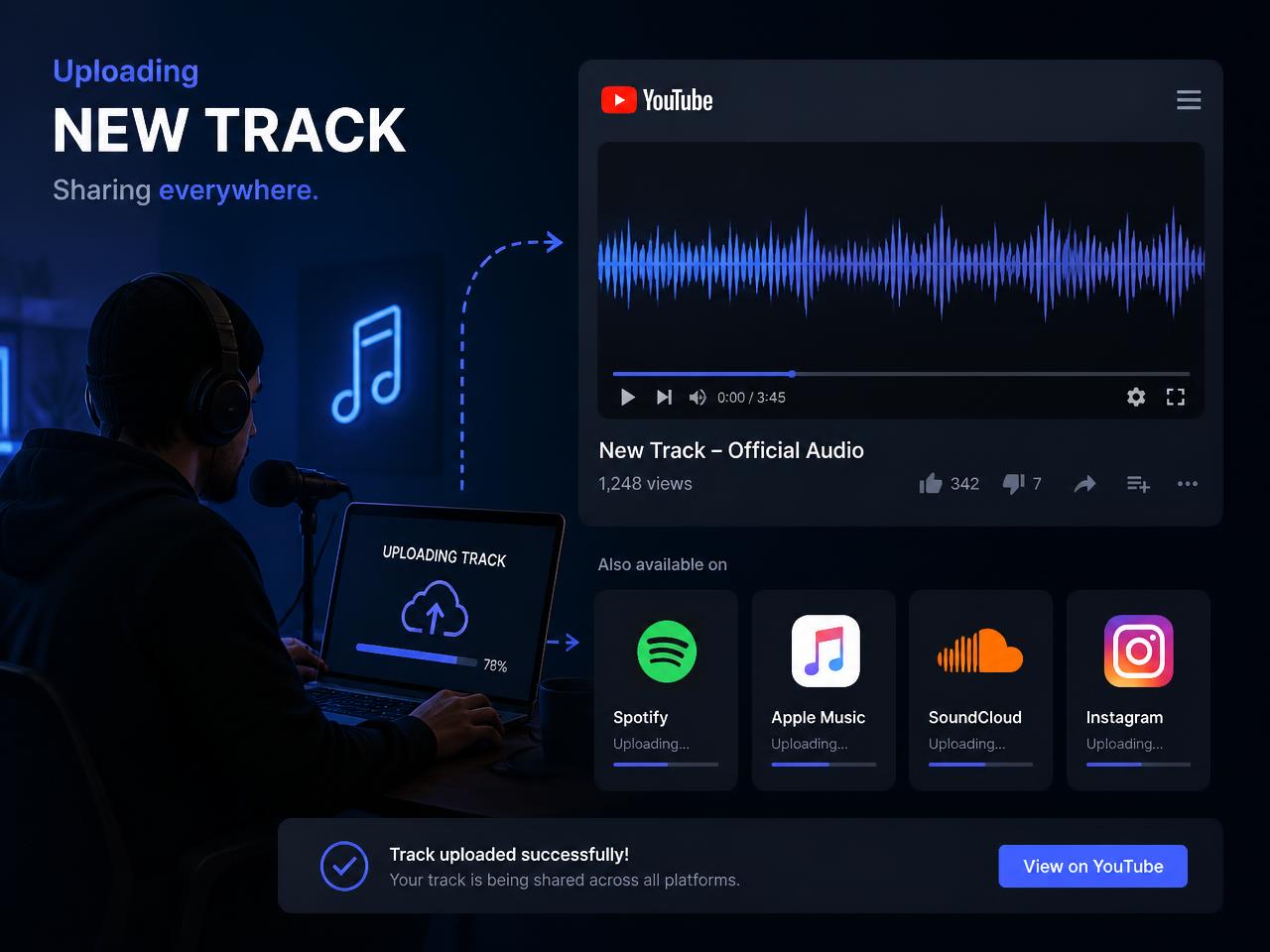
What makes this browser voice memo to video converter useful in real workflows
The value of a dedicated voice memo page is focus. You already have the recording. You do not need a bigger editing workflow. You just need a clean MP4 with simple motion or a branded image and no watermark. That is the exact job this page is built to handle.
Browser-side processing is especially helpful when the recording includes internal notes, client discussions, lesson drafts, or other spoken material that should stay private. The source audio stays on your device, which keeps the workflow simpler and easier to trust.
Longer recordings still take longer because rendering happens in real time. Desktop browsers are the best fit for heavier exports, while short clips are easier on mobile. If a file refuses to decode, re-exporting it to a standard MP3, WAV, or M4A usually resolves the issue.
After export, rename the MP4 with the note topic, version, and destination so review copies, upload-ready videos, and lesson drafts stay organized across drives and shared tools.