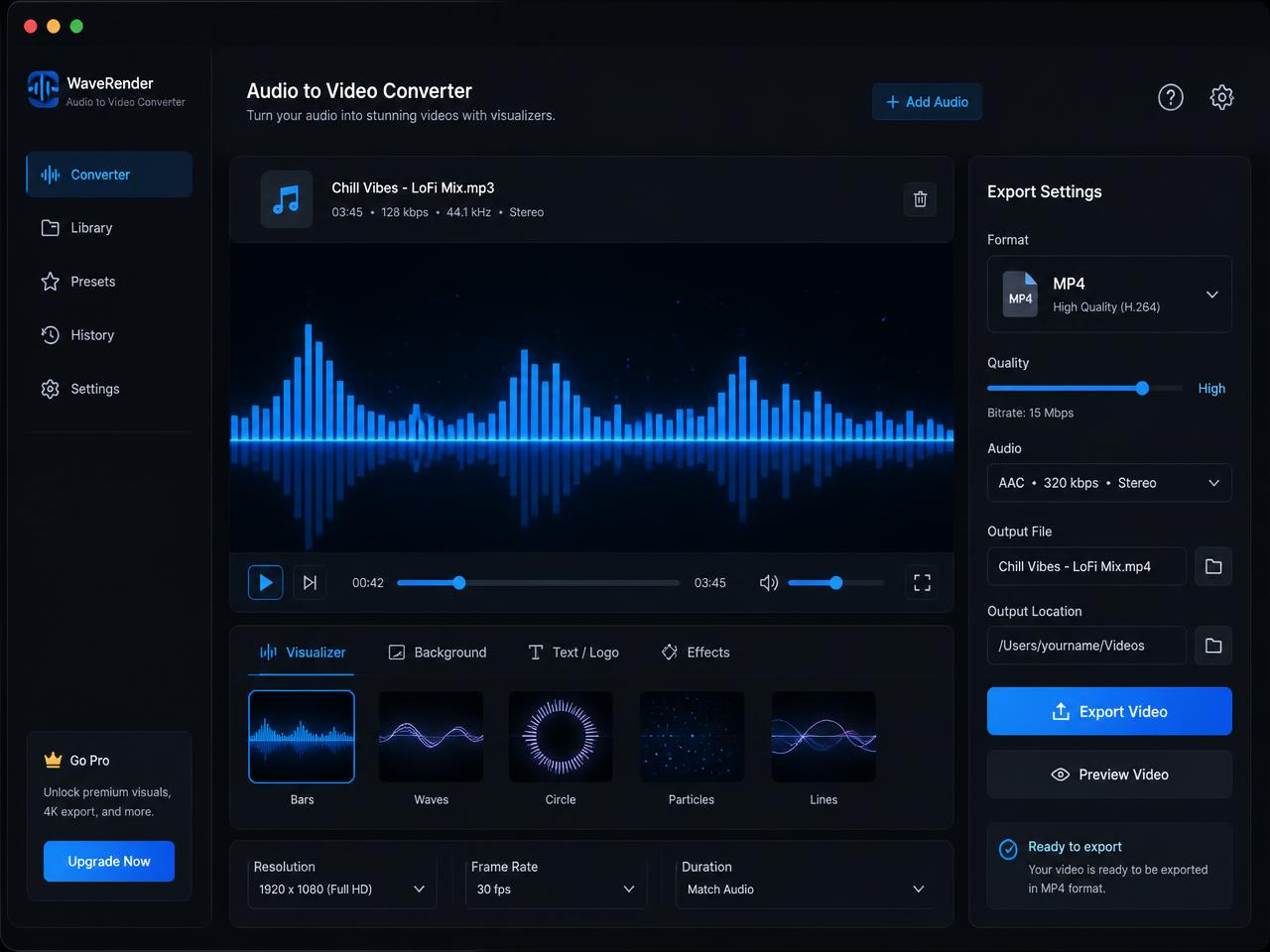
Free Online Audio to Video Converter for YouTube Uploads, Podcast Clips, and Music MP4s

Convert audio to video online with a waveform, spectrum visualizer, or cover image, then download a clean MP4 for YouTube, TikTok, Instagram, online courses, podcasts, music uploads, voiceovers, and internal sharing.

Drop audio file here

Supports MP3, WAV, M4A up to 500MB

Upload JPG, PNG, or WebP. It will be used in Static Poster mode.

No cover selected
No SignupNo WatermarkPrivate in BrowserMP4 Download

Why people choose this free online audio to video converter

01

Free online audio to video converter with no watermark

Turn audio into an MP4 in one browser tab with no signup, no forced branding, and no hidden charge before download.

02

Waveform, spectrum, and cover art video styles

Choose the visual format that fits your content, whether you need a clean podcast clip, a simple music upload, or a social-ready audio visualizer.

03

Private browser processing for songs and voice recordings

Your audio stays on your device while the page decodes the file, renders the frames, and records the finished MP4 locally.

Convert audio to video online with cover art, a waveform, or a clean music visualizer

People looking for a free online audio to video converter usually need one practical thing: turn an audio file into a shareable MP4 without opening a timeline editor. This page keeps the workflow simple. Drop in your audio, pick a visual mode, and export a finished video that works on platforms that refuse plain audio uploads.

A good make video from audio tool should keep the sound intact, give the viewer a clear visual anchor, and stay fast enough for day-to-day publishing. That is why the built-in modes focus on the styles users actually search for: a waveform video, a static cover art video, or a spectrum animation that adds motion for music and spoken-word content.

  • Turn MP3, WAV, M4A, AAC, OGG, and FLAC into a download-ready MP4
  • Add a cover image for songs, audiobooks, sermons, lessons, and podcasts
  • Create a private browser-based video without sending the source file away
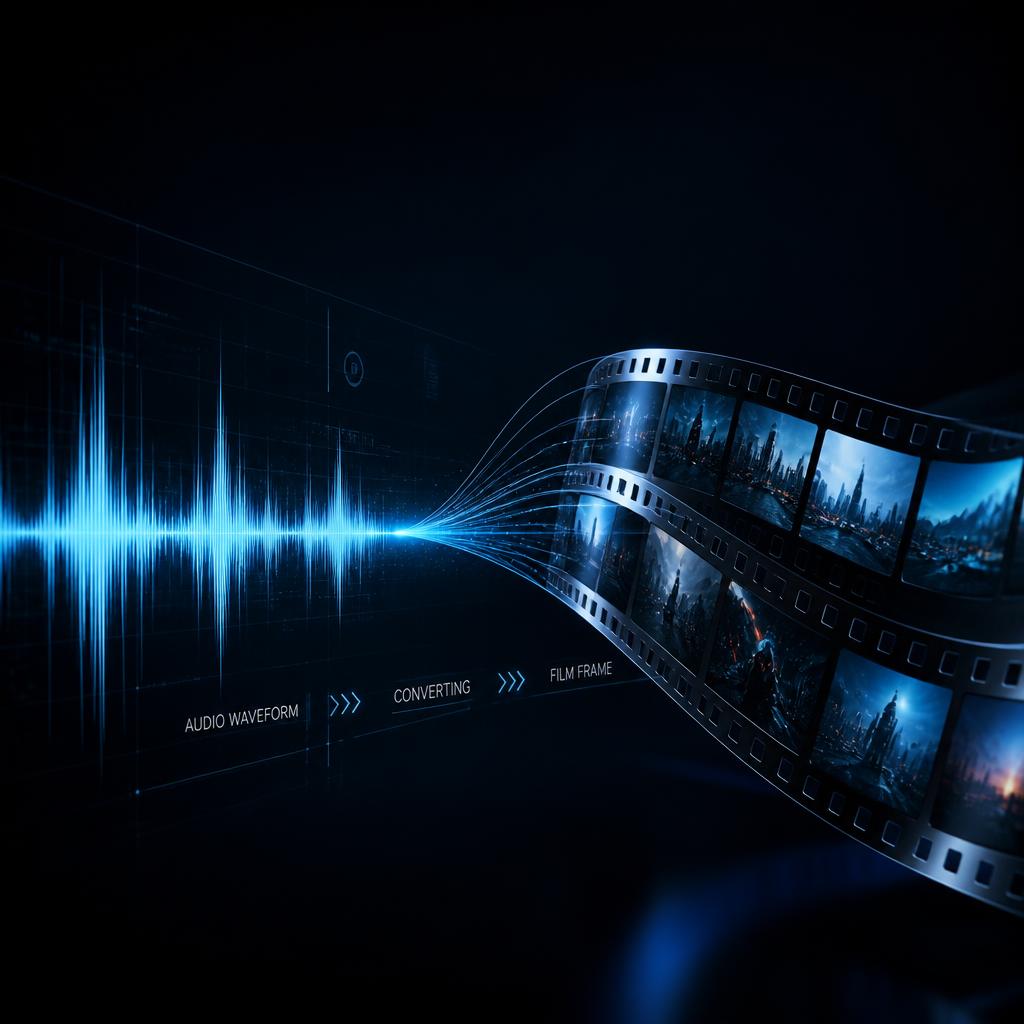
Audio waveform transforming into a video frame, representing a free online audio to video converter
Audio to video tool with waveform and poster settings for MP4 export

How to turn audio into video for YouTube, TikTok, Instagram, and podcast publishing

First, select the audio you want to publish. You can drag in a song, podcast clip, voice memo, interview, audiobook chapter, or lesson recording. Because the decoder runs in the browser, processing starts as soon as the tab reads the file instead of waiting for a server upload queue.

Next, choose the visual style that fits the use case. A waveform video is often the best choice for podcasts and talking content because it shows movement clearly. A poster image works well for music tracks and long-form recordings where the cover art carries the identity. A spectrum visualizer is a useful middle ground when you want more motion without turning the page into a full editor.

Finally, export the MP4 and upload it where you need it. This is a practical route for anyone searching for an audio to video converter for YouTube with no watermark or a quick way to make audio acceptable to video-first platforms.

Best use cases for a free audio to video converter with no watermark

Video platforms dominate distribution, but a huge amount of useful media still starts as audio. A focused audio file to video converter bridges that gap quickly, especially when you do not need timelines, multi-track editing, or a heavy desktop export workflow.

Turn podcast audio into video with a waveform for social clips

Podcast episodes and short excerpts perform better when they carry visible motion. A waveform-based MP4 gives you a clean video asset for YouTube, Shorts, Reels, and internal content libraries.

Make a music video from MP3 with album cover art

Artists and labels often need a straightforward music upload that keeps the focus on the track and artwork. A static poster export is a fast way to publish songs, demos, and instrumental versions as MP4.

Convert voice recordings to MP4 for lessons, training, or client delivery

Voiceovers, lectures, worship recordings, onboarding audio, and internal explainers are easier to distribute as MP4 because video players are universal across browsers, LMS platforms, and team tools.
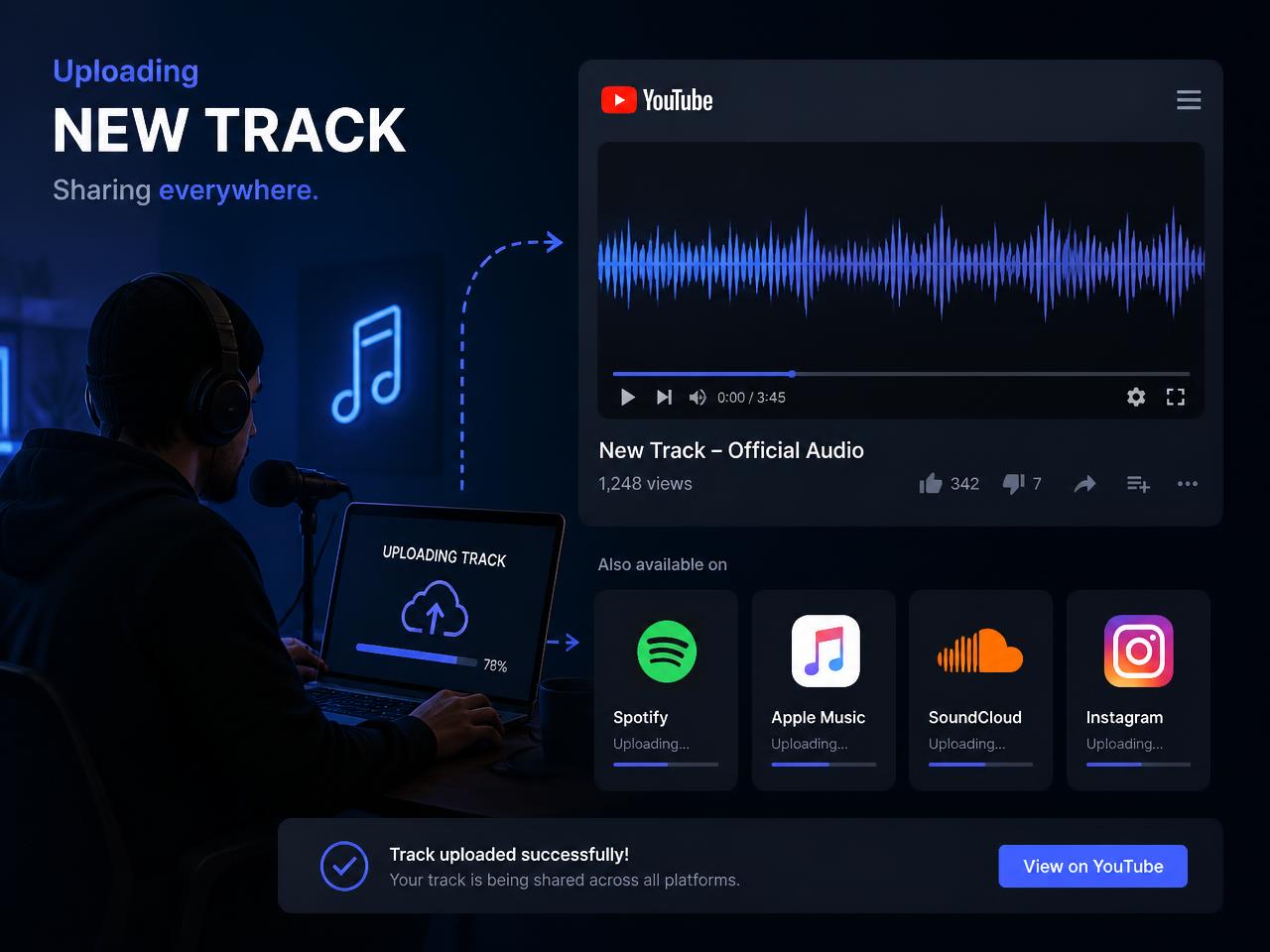
Audio converted into MP4 and shared to social media and video platforms

What makes this browser audio to video converter useful for real publishing work

A lot of competing pages emphasize scale, AI features, or giant format lists. For this tool page, the more useful promise is simpler: let someone make a clean MP4 from audio quickly, privately, and without adding a watermark. That matches what creators usually want when they search for an online audio to video converter for podcasts, songs, or voice recordings.

Browser-side processing is especially helpful when the source audio is sensitive, such as unreleased music, client interviews, classroom recordings, or internal announcements. The page works directly with the local file, so there is less waiting and less concern about sending source material to a remote service.

Practical expectations stay the same as the homepage converter. Rendering happens in real time, so longer files take longer to finish. Desktop browsers are the best fit for long exports, while shorter clips are more comfortable on mobile. If a file refuses to decode, re-exporting it to a standard 44.1 kHz MP3 or WAV usually resolves the issue.

After download, rename the MP4 with the episode name, song title, or topic keyword you plan to publish around. Consistent filenames, thumbnails, and on-page metadata help the asset stay organized once it moves into YouTube, social schedulers, or client handoff folders.

More audio to video landing pages

Podcast to Video Converter

Turn podcast audio into MP4 with waveform or cover art for YouTube episodes, highlight clips, and social publishing.

WAV to MP4 Converter

Convert WAV files into MP4 when you need a clean audio source for YouTube, presentations, previews, or private sharing.

M4A to MP4 Converter

Convert M4A audio into MP4 when the source file is a voice memo, podcast teaser, lesson recording, or compressed music export.

FLAC to MP4 Converter

Turn high-quality FLAC audio into MP4 for music previews, mastering review links, archives, and private delivery.

AAC to MP4 Converter

Wrap AAC audio in a clean MP4 for YouTube uploads, shared clips, lessons, and other video-first publishing flows.

OGG to MP4 Converter

Convert OGG audio into MP4 when you need wider playback support, a review link, or a shareable social video file.

Opus to MP4 Converter

Wrap Opus audio in a clean MP4 when the source comes from web audio, voice apps, modern recording tools, or shared clip workflows.

WebM Audio to MP4 Converter

Convert WebM audio into MP4 for wider compatibility, easier review, and video-first publishing across browsers and platforms.

Music Visualizer

Create a simple music visualizer video with waveform or spectrum motion for songs, demos, previews, and YouTube music uploads.

Audiogram Maker

Make a clean audiogram-style video from audio with a waveform or branded cover image for podcast clips, lessons, and social sharing.

Podcast Waveform Video

Create a podcast waveform video for episode clips, guest highlights, and simple branded audio posts with a clean moving waveform.

YouTube Audio Visualizer

Make a simple YouTube audio visualizer video with waveform, spectrum motion, or cover art for songs, demos, and spoken-audio uploads.

Cover Art Video Maker

Turn audio into MP4 with album art, podcast artwork, or branded still images for YouTube uploads, review links, and social-ready audio posts.

Voice Memo to Video Converter

Convert voice memos and spoken notes into MP4 with waveform motion or a cover image for lessons, explainers, internal review, and quick sharing.

Album Art Video Maker

Turn songs into MP4 with album cover art, a static poster, or light waveform motion for YouTube uploads, demos, and release-preview links.

Audio Poster Maker

Create a poster-style audio video with a static image or branded still for lessons, demos, internal review, and simple video-first sharing.

MP3 to Video for YouTube

Turn MP3 files into YouTube-ready MP4s with cover art, waveform motion, or spectrum visuals for uploads, demos, and previews.

Audio Cover Video Maker

Create clean audio cover videos with a still image, poster artwork, or branded visual plus optional waveform and spectrum motion.

Song to Video for YouTube

Turn songs into clean YouTube-ready MP4s with cover art, waveform motion, or spectrum visuals for releases, demos, and preview links.

Audio Visualizer for Instagram

Create shareable Instagram-ready MP4 clips with waveform motion, spectrum visuals, or cover art for teasers, promos, and social review.

Podcast to YouTube Video

Turn podcast audio into clean YouTube-ready MP4s with waveform motion, cover art, or spectrum visuals for episodes, promos, and clips.

Audio Video for TikTok

Create TikTok-ready MP4 clips with waveform motion, spectrum visuals, or cover art for promos, teasers, and shareable audio posts.

Audio to video converter FAQ for waveform videos, cover art, and private exports

How do I convert audio to video online for free without a watermark?

Upload your audio file, choose a waveform, spectrum visualizer, or static cover image, then export the result as MP4. The converter runs in your browser and the downloaded video does not include a watermark.

Can I turn podcast audio into video for YouTube or Spotify clips?

Yes. This audio to video converter is useful for podcast episodes, highlight clips, interviews, sermons, lessons, and voiceovers that need an MP4 file for video-first platforms.

Can I add cover art when I make a video from an audio file?

Yes. Upload a JPG, PNG, or WebP file and use Static Poster mode to create a clean MP4 with your cover art displayed behind the audio.

Is this audio to video converter private?

Yes. The conversion happens locally in the browser, so your source audio does not need to be uploaded to a remote rendering queue before you get the MP4.

Which audio formats can I use in this online audio to video tool?

MP3, WAV, M4A, AAC, OGG, and FLAC are supported wherever the browser can decode them. MP3 is the most common input, but several audio formats work well.

What kind of video can I make from audio with this tool?

You can create a simple music video, waveform video, spectrum visualizer video, or cover-art video that is ready for YouTube, TikTok, Instagram, course platforms, and internal sharing.