Convert WebM audio to MP4 online with a waveform, cover image, or visualizer
People often search for a WebM audio to MP4 converter online because the source comes from a browser or web app and needs a more universal output format. WebM audio is common in lightweight recording workflows, while MP4 is easier to preview, publish, and share across more platforms. This page gives you a direct route from WebM audio to a clean downloadable video.
A practical convert WebM audio to MP4 workflow should stay simple. Upload the source file, choose the visual wrapper, and export the result without opening a larger editing workflow. That can be enough for browser captures, lesson recordings, meeting clips, demos, podcast snippets, and internal review copies.
- Turn WebM audio into a shareable MP4 for review, publishing, and playback
- Use cover art or a waveform for captures, lessons, and shared review links
- Keep browser-captured source audio local with private processing

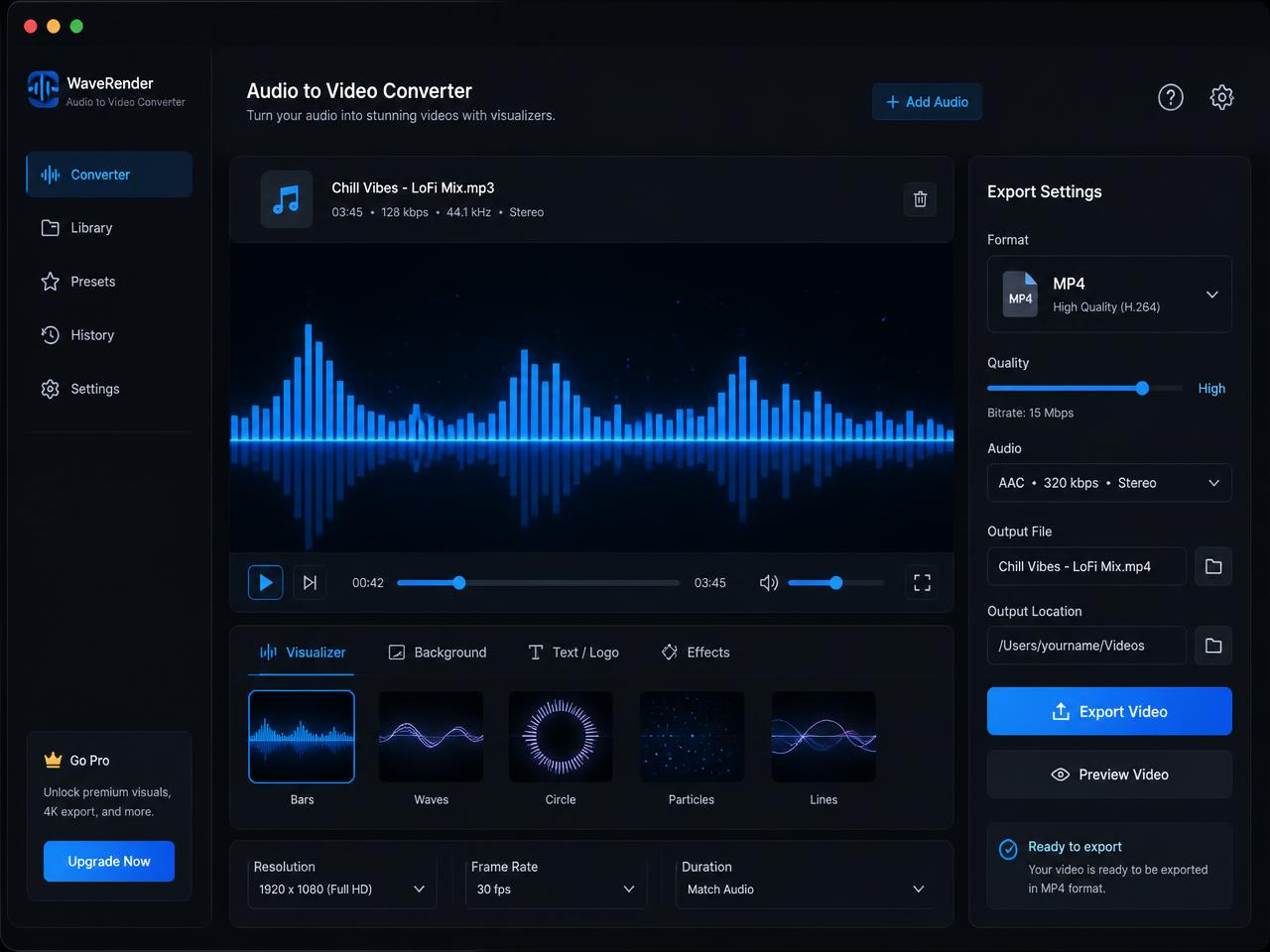
How to turn WebM audio into MP4 for YouTube, browser review, and wider compatibility
Start by choosing the WebM audio file you want to package as video. That might be a browser recording, a voice clip, a lesson capture, a meeting audio excerpt, or another web-exported file that needs broader compatibility. The page reads the source locally in the browser, so the workflow can begin without a remote rendering queue.
Next, choose the visual wrapper that fits the destination. A waveform is a strong choice when you want visible motion, a static poster works well when branding or reference art matters, and the spectrum mode adds a more stylized look for shared demos and previews. The goal is to make the WebM audio easier to share in a format more platforms already understand.
Once the render finishes, download the MP4 and send it where it needs to go. This is a useful route for people looking for a WebM audio to MP4 converter for YouTube with no watermark or a quick way to wrap browser-captured audio in a more universal video container.
Best WebM audio to MP4 use cases for captures, lessons, demos, and review workflows
WebM audio often appears in browser-native workflows, which makes a focused WebM audio file to MP4 converter useful. It bridges the gap between a web-friendly capture format and the MP4 container that more publishing and review systems can preview immediately.
Convert browser-captured audio into MP4 for easier sharing
Browser recordings and web app exports often need a more universal handoff format. Wrapping them in MP4 makes collaboration and review much smoother across tools.
Turn WebM lesson and meeting clips into video for broader playback
Teaching portals, internal systems, and content platforms often handle video more consistently than raw audio. A poster image or waveform helps the file fit those systems more naturally.
Make WebM audio review copies that open consistently across tools
A quick MP4 wrapper reduces playback and preview friction when teammates or clients are working across browsers, chat apps, and lightweight approval tools.
What makes this browser WebM audio to MP4 converter useful in real delivery workflows
The point of a dedicated WebM audio page is focus. You already have the source file, and the next step is simply wrapping it in a clean MP4 with a visual frame, no watermark, and no unnecessary editing overhead. That is exactly what this page is meant to handle.
Browser-side processing is especially helpful when the audio is private, temporary, or part of an internal workflow. The source stays on your device, which makes the process easier to trust and easier to start quickly.
Longer recordings still take longer because rendering happens in real time. Desktop browsers are the best fit for heavier exports. If a WebM audio file refuses to decode, re-exporting it to a standard WebM audio setting or converting it to WAV or M4A usually resolves the issue.
After export, rename the MP4 with the project, version, and destination so review copies and upload files stay easy to track across shared folders and publishing tools.