Convert WAV to MP4 online with a waveform, poster image, or spectrum visualizer
A lot of users search for a WAV to MP4 converter online because the audio is already finalized and the next problem is just format compatibility. YouTube, social networks, review tools, and many client workflows are easier with MP4 than with a standalone WAV file. This page gives you a direct route from clean source audio to a shareable video.
A focused WAV file to MP4 tool should make that handoff simple. Upload the source file, choose the visual wrapper that suits the project, and export a finished MP4 without opening a full nonlinear editor. That can be enough for songs, voice recordings, lectures, demo reels, internal reviews, and client presentations.
- Turn WAV audio into a shareable MP4 without extra editing software
- Use cover art or a waveform to package mixes, recordings, and previews
- Keep source files local while the browser handles conversion

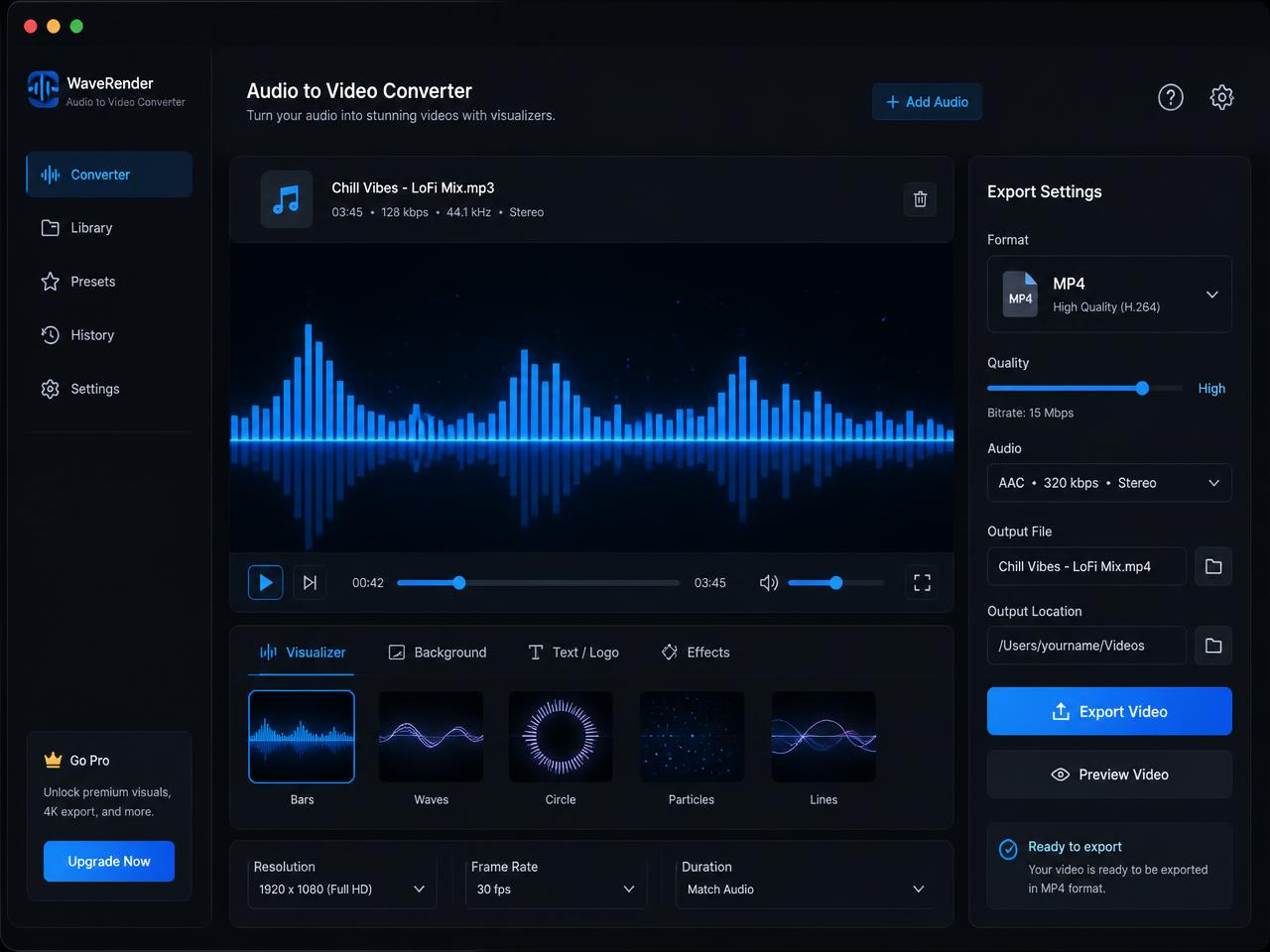
How to turn WAV into MP4 for YouTube, presentations, and preview delivery
Start by selecting the WAV file you want to package as video. That might be a song mix, a sound design pass, a lecture recording, a presentation voiceover, or a review export from a podcast or production workflow. Because WAV files are often larger than MP3 files, decode and render time can be longer, especially for long recordings.
Then choose the right visual wrapper. A waveform works well when you want the viewer to see activity on screen, a static poster is useful when the artwork or slide should stay prominent, and the spectrum mode adds stylized motion for music and showcase content. The goal is not to overproduce the file. It is to make the WAV recording easier to share in a format that video platforms accept.
Export the MP4 when the render finishes and send it where it needs to go. This is the practical route for anyone searching for a WAV to MP4 converter for YouTube with no watermark or a private way to wrap high-quality source audio in a universal video container.
Best WAV to MP4 use cases for music, voice, teaching, and review workflows
WAV is often the format teams keep before distribution, which is why a focused convert WAV to MP4 online page is useful. It bridges the gap between a clean source file and the MP4 format most platforms and review tools understand immediately.
Convert WAV music exports into MP4 for YouTube and preview sharing
Producers and artists often keep masters, stems, or roughs as WAV. Wrapping the audio in a simple video helps with uploads, approvals, and audience-facing previews without changing the workflow into a full video edit.
Turn WAV voice recordings into video for lessons and presentations
Training teams, educators, and consultants often need an MP4 version of a voiceover so the file works everywhere a video player is expected. A poster image or slide background makes the result easier to share inside LMS and client systems.
Make WAV review copies for agencies, studios, and clients
Internal review flows are often smoother with video files because they scrub consistently and preview natively in more tools. A quick MP4 wrapper can save time in approval cycles and handoff rounds.
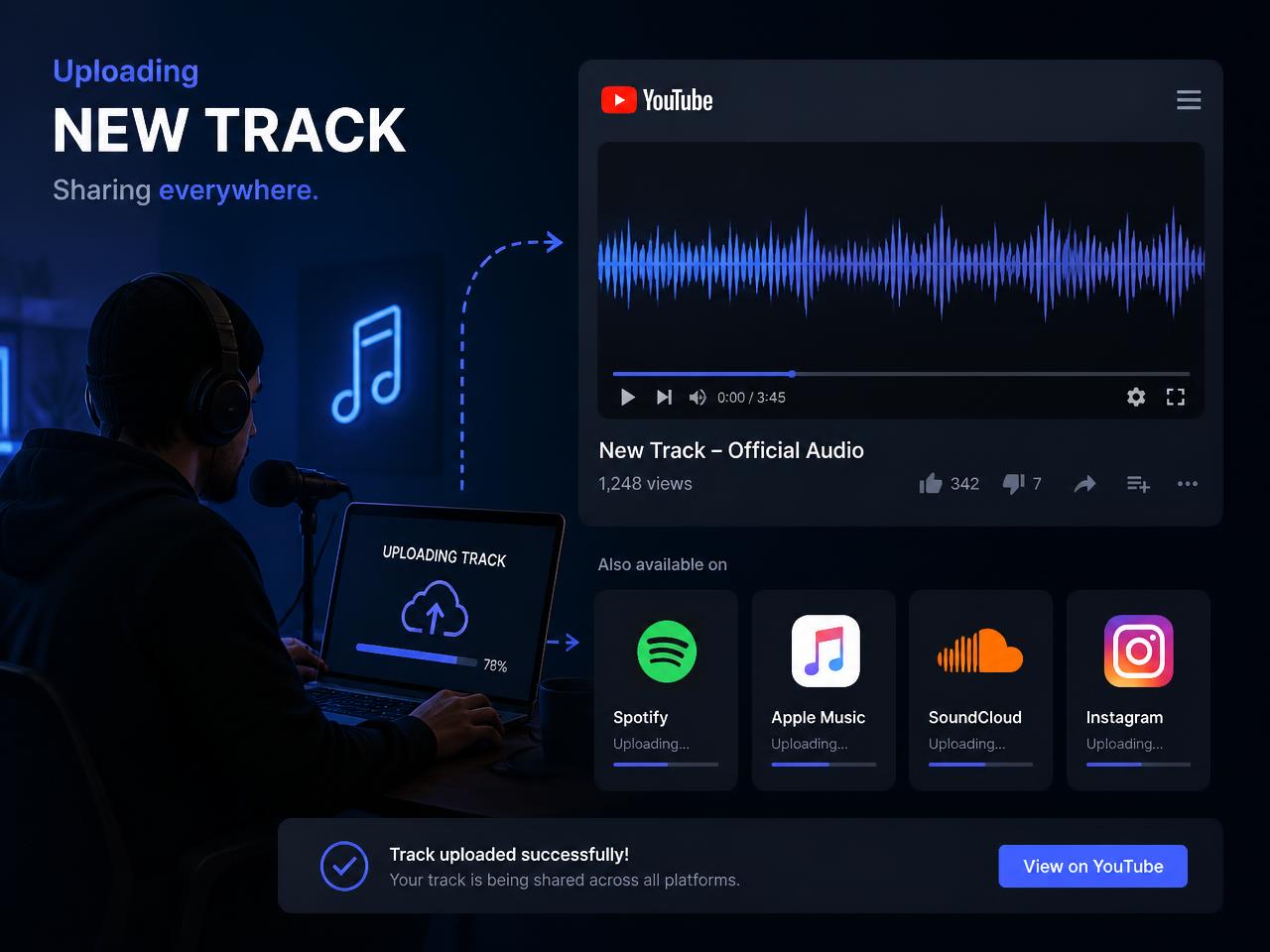
What makes this browser WAV to MP4 converter practical for real file delivery
The strongest reason to use a dedicated WAV page is clarity. You already have the source audio. You do not need a large editing workflow. You just need a clean, downloadable MP4 with a visual wrapper and no watermark. That is the problem this page solves.
Browser-side processing is especially useful for unreleased mixes, internal lectures, sound design drafts, and private client materials. The page works directly with the local WAV file, which keeps the process fast to start and easier to trust.
Expect longer renders for longer or larger WAV files, since export happens in real time. Desktop browsers are the best fit for big files. If a source WAV refuses to decode, re-exporting it with a standard sample rate and a conventional PCM WAV setting usually resolves the issue.
After export, rename the MP4 with the project name, version, and intended destination. That small step keeps review copies and upload files easier to track across teams, shared folders, and publishing platforms.