Make a music visualizer online with waveform, spectrum, or cover art
People usually search for a free online music visualizer because they need a quick way to turn audio into something shareable on video-first platforms. A simple music visualizer does not need a full timeline editor when the goal is just to add motion or artwork around a finished track. That is why this page keeps the workflow focused on the essentials.
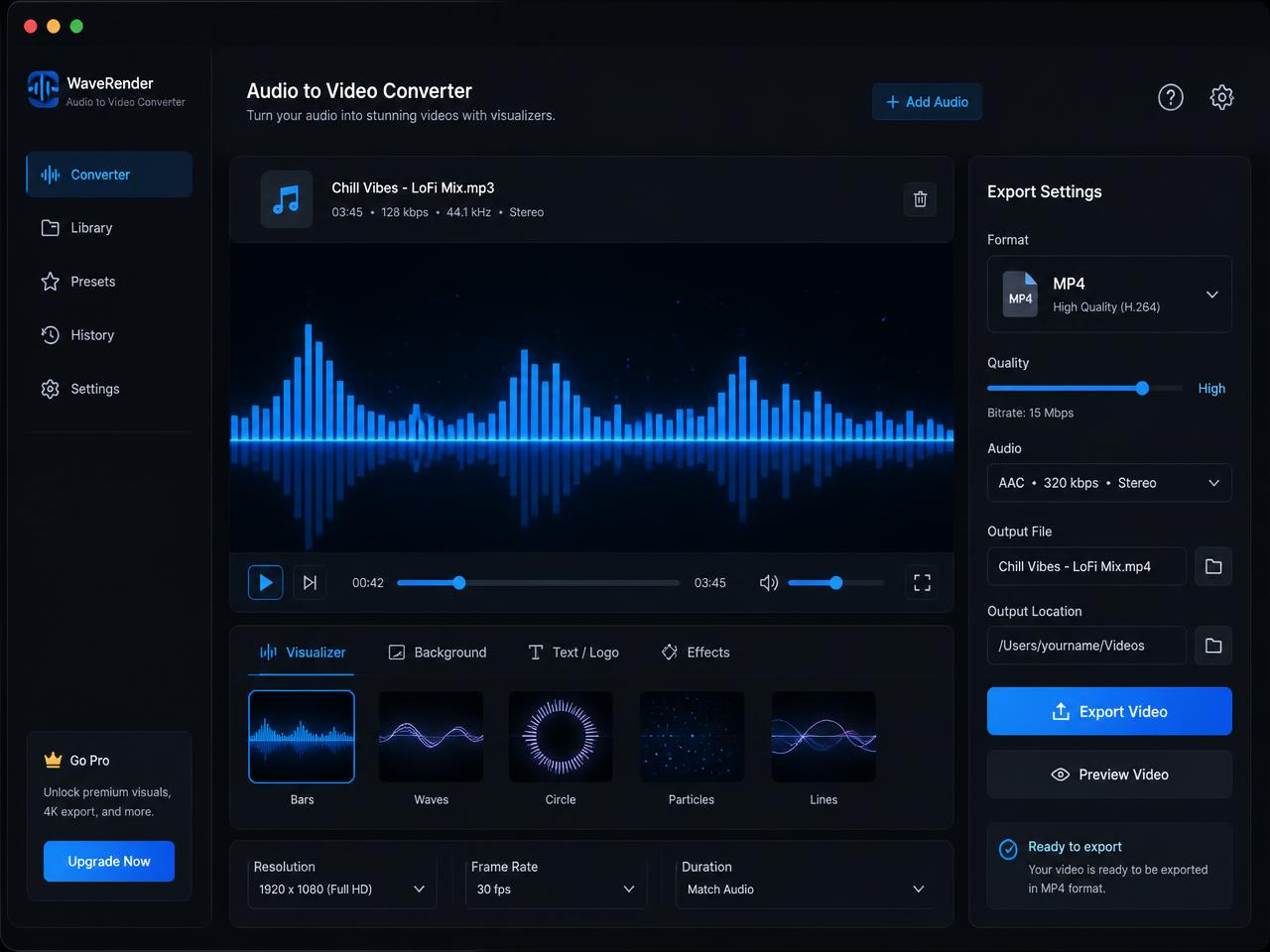
A practical music visualizer maker should let you choose a clean visual mode, preserve the sound, and export a usable MP4 without forcing you through a heavier editing setup. This page gives you three straightforward options: a waveform video, a spectrum visualizer look, or a static cover-art music video.
- Turn songs, demos, and previews into a clean visualizer video
- Use waveform or spectrum motion for a more active music upload
- Keep source audio local with private browser-side processing

How to make a simple music visualizer video for YouTube and preview sharing
Start by choosing the song or audio file you want to visualize. That might be a finished single, a demo, an instrumental preview, a producer reel, or a private review file. The page reads the audio locally in the browser so the process can begin without a remote queue.
Next, choose the visual mode that fits the track. A waveform video works well when you want a cleaner, more understated motion effect. A spectrum visualizer feels more active for music previews and listening links. A cover-art mode is best when the artwork should stay front and center for a full-track upload.
When the render finishes, download the MP4 and share it where you need it. This is a useful path for anyone looking for a music visualizer for YouTube with no watermark or a quick way to wrap a finished track in a clean visual frame.
Best music visualizer use cases for songs, demos, previews, and private review
A focused online music visualizer is most useful when the audio is already finished and the next step is just making it presentable in a video format. That is common in music publishing, producer review, private approvals, and preview links.
Turn songs into simple music visualizer videos for YouTube
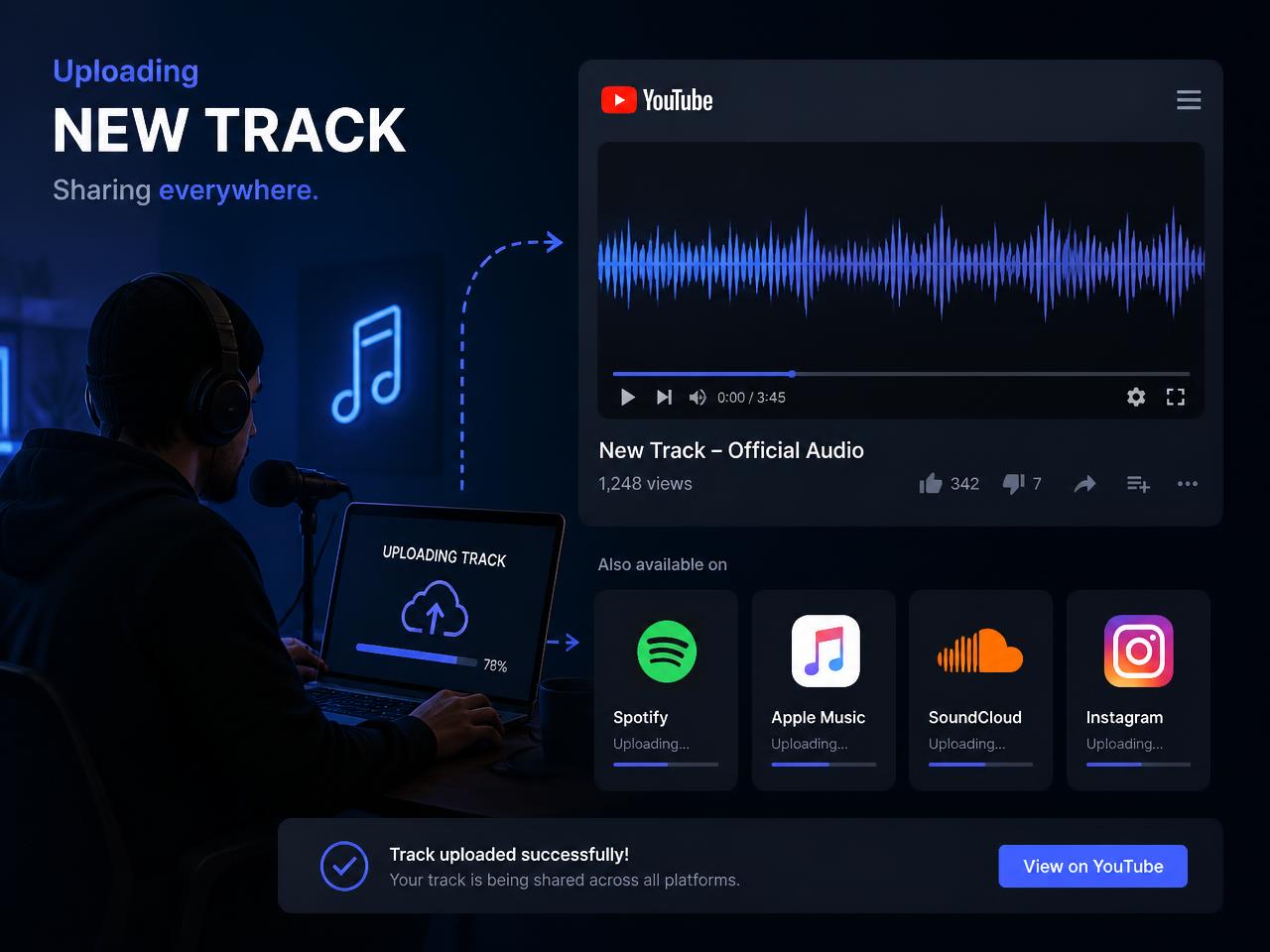
Many artists and producers need a quick MP4 version of a track so it can live on YouTube or be shared alongside streaming links. A waveform or spectrum visualizer gives the upload visible motion without adding editing overhead.
Make cover-art music videos for demos and preview links
A static poster or artwork-based music video is often enough for client review, distributor preview, and internal listening links where the focus stays on the track and the branding.
Create simple spectrum videos for beats and instrumental reels
Instrumentals, beat packs, and producer reels often benefit from a little more motion than a poster alone. A spectrum visualizer can add that without turning the page into a full editing suite.
What makes this browser music visualizer useful in real release workflows
The value of a dedicated music visualizer page is focus. You already have the track. You do not need a heavy video project. You just need a clean MP4 with simple motion or artwork and no watermark. That is the task this page is built to handle.
Browser-side processing also matters when you are working with unreleased songs, client demos, or pre-release review links. The source audio stays on your device, which keeps the workflow private and quick to start.
Longer tracks still take longer because rendering happens in real time. Desktop browsers are the best fit for heavy exports, while shorter clips are easier on mobile. If a music file refuses to decode, re-exporting it to a standard MP3, WAV, or M4A usually resolves the issue.
After export, rename the MP4 with the song title, version, and intended destination so preview files and upload copies stay organized across drives and publishing tools.