Convert M4A to MP4 online with a waveform, poster image, or simple visualizer
People often look for an M4A to MP4 converter online because the source file is already done and the next step is simply making it easier to share. M4A is common in podcasts, iPhone voice memos, lessons, and compressed audio exports, but many destinations still work better with a video file. This page gives you a direct way to wrap M4A audio in a clean MP4.
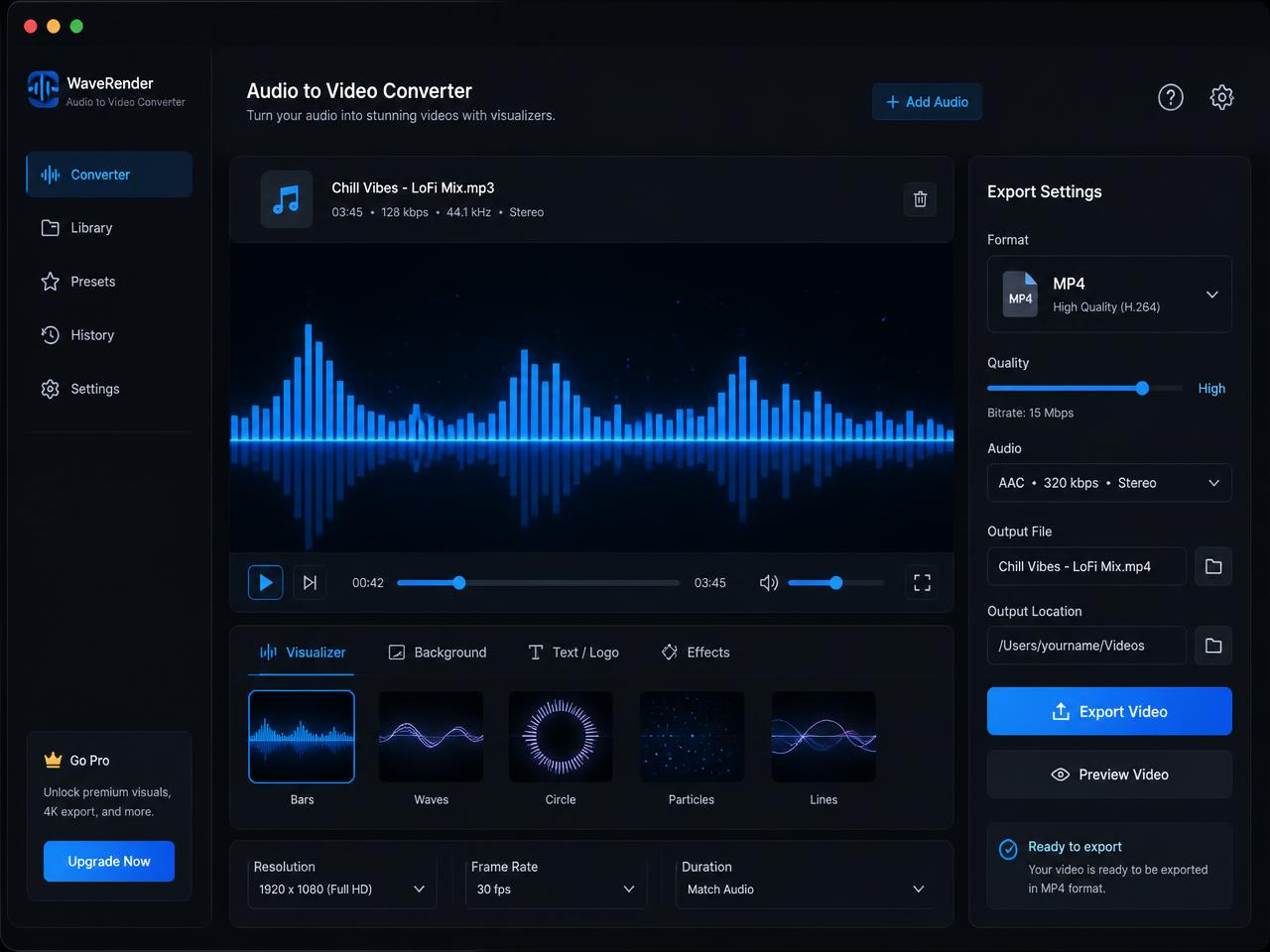
A focused convert M4A to MP4 tool should preserve the audio, add a visual anchor, and stay fast enough for day-to-day use. That is why the page keeps the workflow simple: upload the source file, choose a waveform, spectrum, or cover image, and export the finished video without opening a full editor.
- Turn M4A audio into a shareable MP4 for YouTube and social publishing
- Use cover art or a waveform for interviews, lessons, and episode teasers
- Keep the source file local with private browser-side processing

How to turn M4A into MP4 for YouTube, podcast promos, and shared review files
Start by choosing the M4A file you want to package as video. That might be a voice memo, a podcast teaser, an interview cut, a lesson recording, or a compressed music preview. The page reads the file locally in the browser, so conversion can start without waiting for a remote queue to process the upload.
Then choose the visual style that fits the content. A waveform works well when you want motion on screen, a static poster is useful when branding or a slide matters most, and the spectrum mode is a good option for music and stylized promotional clips. The point is not to over-edit the file. It is to make the M4A audio easy to publish where a raw audio file is not enough.
When rendering finishes, download the MP4 and send it where it needs to go. This is a practical route for people searching for an M4A to MP4 converter for YouTube with no watermark or a fast way to turn compressed audio into a platform-ready video file.
Best M4A to MP4 use cases for voice, podcasting, learning, and review workflows
M4A is often the format people already have on hand, which is why a focused M4A file to MP4 converter is useful. It bridges the gap between a compact audio file and the MP4 format that more publishing platforms and review tools accept immediately.
Convert M4A podcast clips into video for social publishing
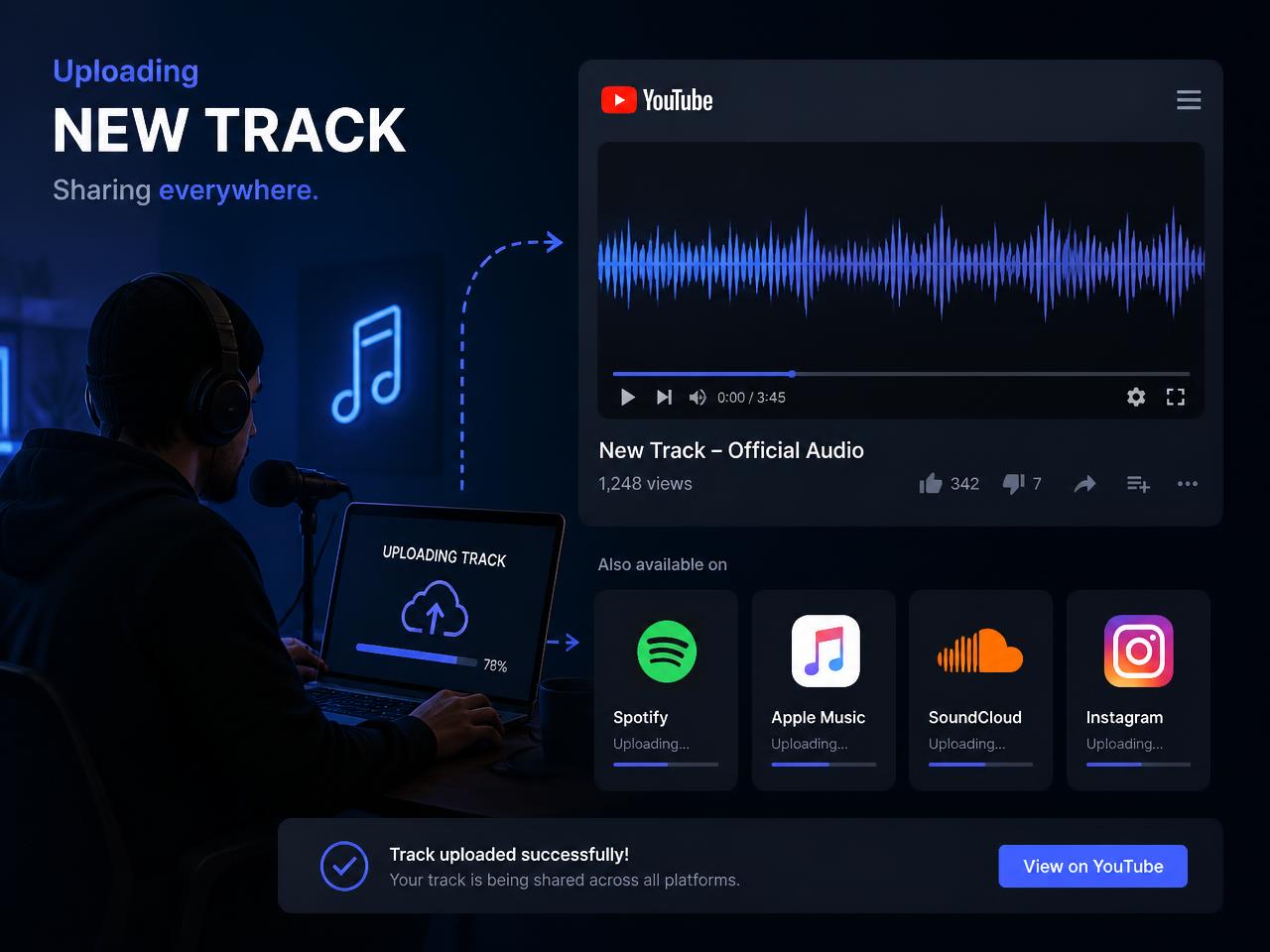
Many podcast and interview workflows create compressed clip exports first. Wrapping those clips in a waveform video makes them easier to share across YouTube, Reels, Shorts, and internal content calendars.
Turn iPhone voice memos and M4A recordings into MP4
Voice notes, quick explainers, and recorded interviews often begin as M4A. A fast MP4 wrapper helps those files move into client review, training, or publishing systems without extra conversion steps.
Make M4A lesson audio and presentation voiceovers easier to distribute
Learning platforms and client portals often work more smoothly with video uploads. Adding a poster image or branded slide lets the audio travel in a format those systems expect.
What makes this browser M4A to MP4 converter useful in real publishing work
The strength of a dedicated M4A page is clarity. You already have the audio. You do not need a larger edit. You just need a clean MP4 with a visual wrapper and no watermark. That is the exact problem this page solves.
Browser-side processing is especially useful when the audio contains private interviews, internal recordings, unreleased clips, or client material. The tab works with the local file directly, which means less waiting and fewer questions about where the source file is being stored.
Longer recordings still take longer because rendering happens in real time. Desktop browsers are the most comfortable fit for big exports, while short clips are easier on mobile. If an M4A file refuses to decode, re-exporting it to a conventional AAC M4A or a standard WAV file usually resolves the issue.
After export, rename the MP4 with the project, clip title, and destination so it stays easy to track across drives, approval folders, and upload queues.